
Double your Apple Watch battery life with these 10 power-saving tips

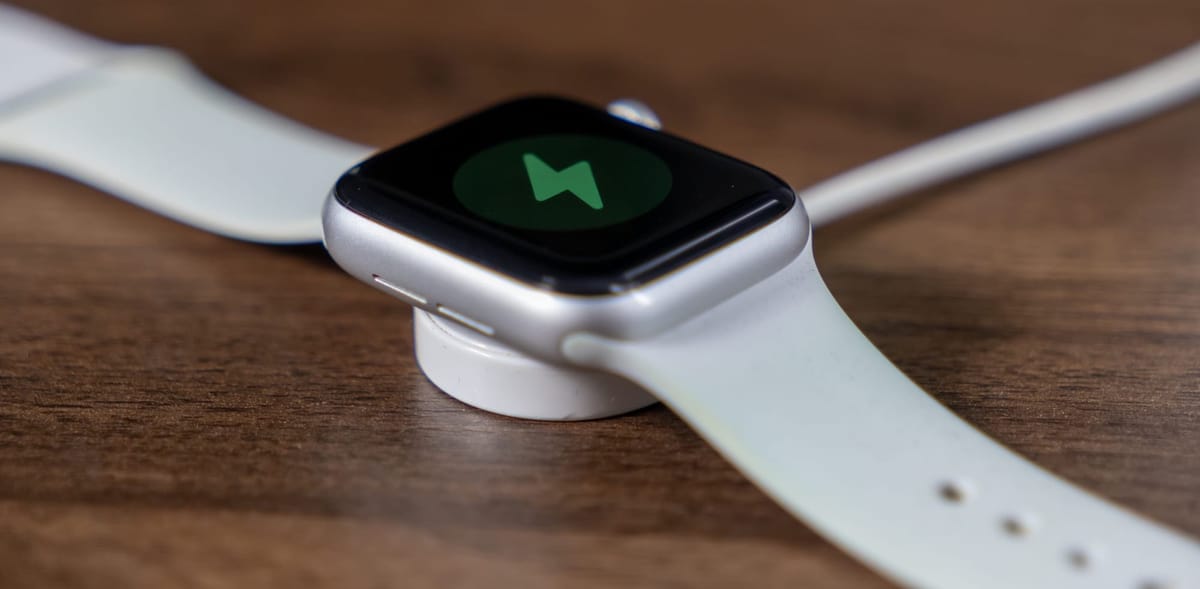
1. Turn on Low Power Mode when you don’t need full features.
Low Power Mode is the fastest way to extend battery life, especially on long days or while traveling. It temporarily reduces background activity, disables the always-on display, and limits certain sensors. You can enable it from Control Center or automatically during workouts.
2. Disable the Always-On Display if your model supports it.
The Always-On Display is convenient, but it’s one of the biggest battery drains. Turning it off forces the screen to wake only when you raise your wrist or tap it, which can significantly improve all-day battery performance.
3. Reduce screen brightness and wake duration.
Lowering brightness and shortening how long the screen stays on after a tap helps conserve power. These small changes reduce how often and how intensely the display draws energy throughout the day.
4. Limit background app refresh.
Many apps refresh data in the background even when you’re not actively using them. Disabling background refresh for non-essential apps prevents unnecessary network and processor usage, extending battery life without affecting core functionality.
5. Manage notifications carefully.
Every vibration, sound, and screen wake consumes power. Instead of mirroring all iPhone notifications, choose only the apps that truly matter on your wrist. Fewer alerts mean fewer battery-draining interruptions.

6. Use Wi-Fi and Bluetooth wisely.
When possible, keep your watch connected to your iPhone via Bluetooth rather than relying on Wi-Fi or cellular. Bluetooth is more energy-efficient, and staying within range of your phone reduces the watch’s need to search for stronger connections.
7. Be selective with workout tracking features.
GPS, heart rate monitoring, and third-party fitness apps can drain the battery quickly. For casual walks or indoor workouts, consider disabling GPS or using simpler tracking modes to save power.
8. Remove unnecessary watch faces and complications.
Some complications update frequently, pulling data from apps and sensors. Choosing a simpler watch face with fewer live complications reduces background activity and helps preserve battery life throughout the day.
9. Keep watchOS up to date.
Apple often includes battery optimizations in software updates. Running the latest version of watchOS ensures you benefit from efficiency improvements and bug fixes that can prevent abnormal battery drain.
10. Restart your watch regularly.
A simple restart once every few days can clear background processes and fix minor software issues that cause excessive battery usage. It’s an easy habit that often results in noticeably better battery performance.