⌚️ The 10 Best Apple Watch Face Complications for 2026

1. CARROT Weather
What the app does:
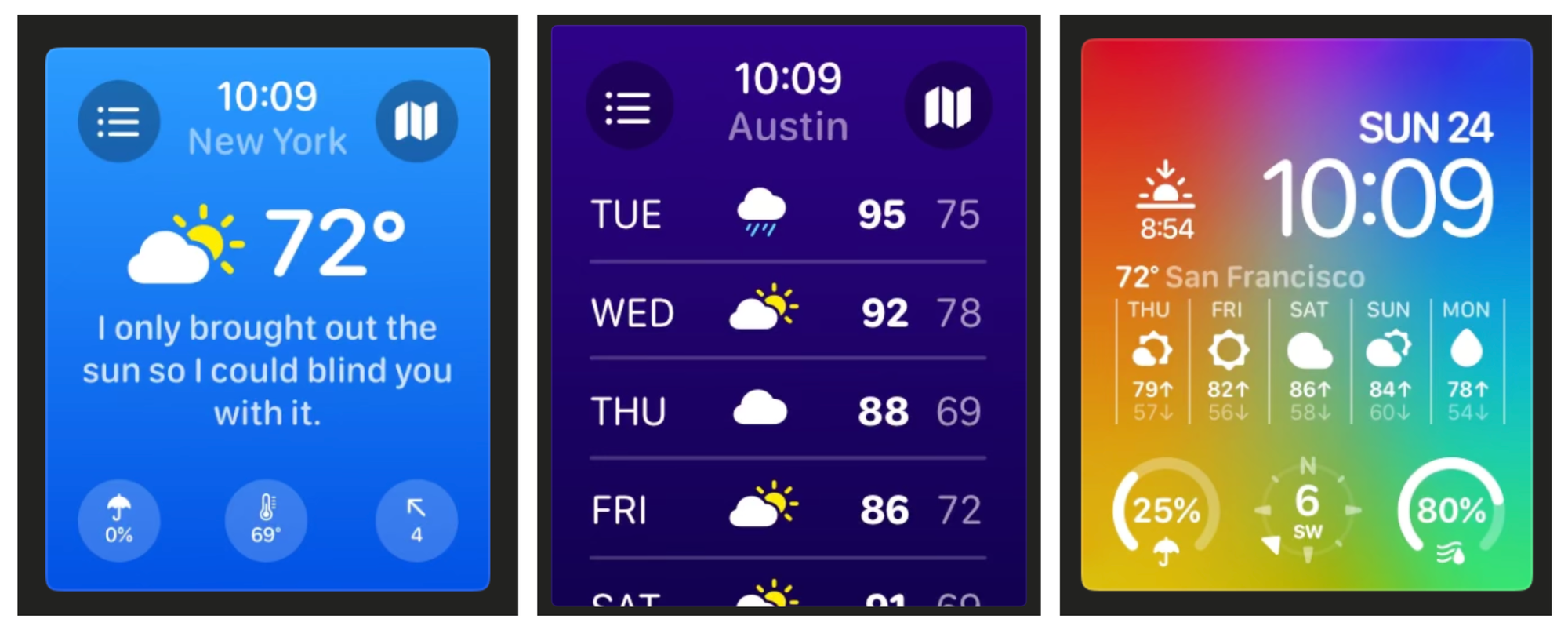
CARROT Weather is a powerful weather app known for its accurate forecasts and fun, snarky personality. It delivers detailed real-time weather info, alerts, and forecast insights that go beyond Apple’s built-ins — including precipitation, wind, and UV index.
What its complication shows:
CARROT’s complications can display current weather conditions, temperature, high/low forecasts, and more right on your watch face — giving you instant weather info at a glance without opening the app.
 Grailr LLC
2. Fantastical
What the app does:
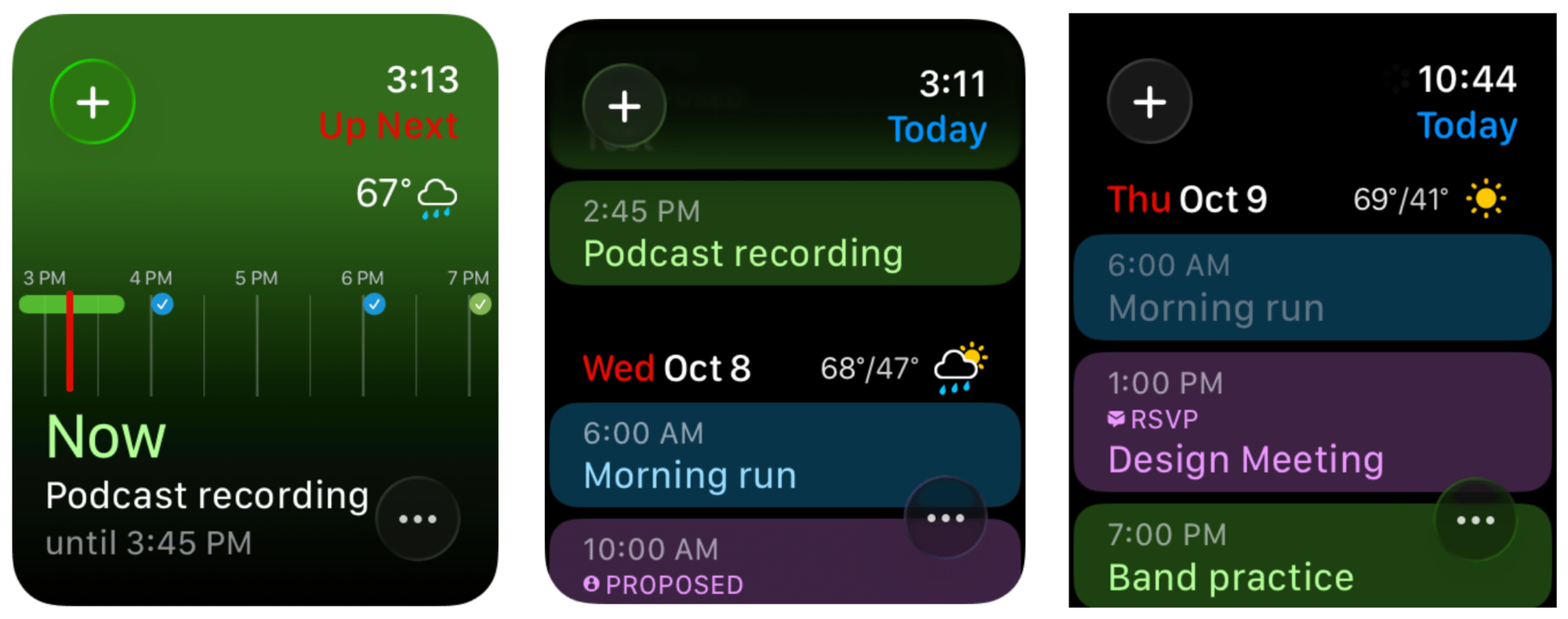
Fantastical is a highly rated calendar and scheduling app with natural-language event entry, task tracking, and multi-calendar support across devices.
What its complication shows:
The Fantastical complication highlights your next appointment or event directly on your watch face — perfect for seeing what’s coming up without launching the app.
 Flexibits Inc.
3. Things 3
What the app does:
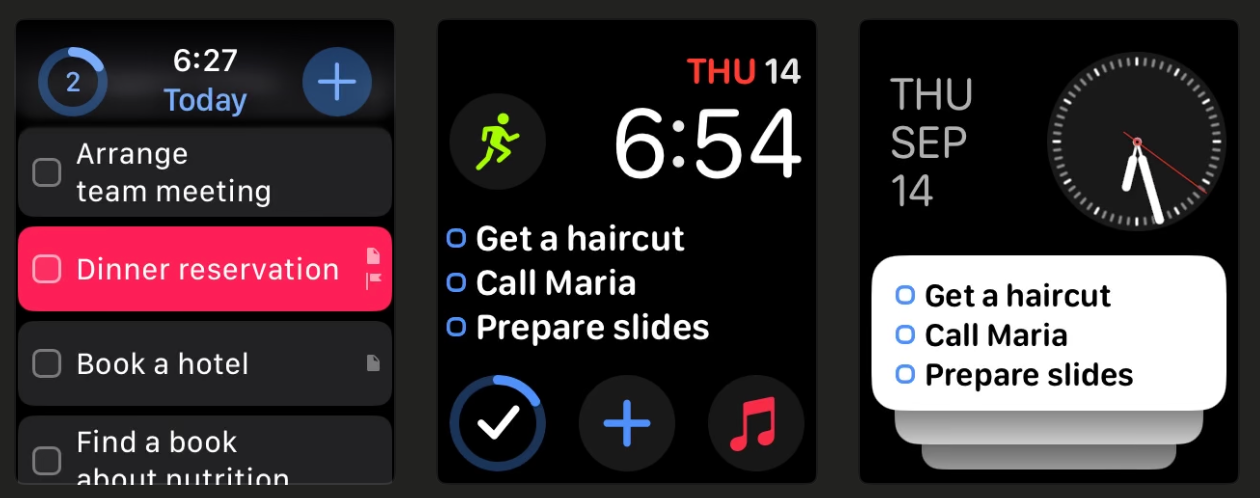
Things 3 is one of the most intuitive task managers available, helping you organize daily tasks, projects, and routines with a clean interface and powerful scheduling features.
What its complication shows:
Its complication presents a summary of your daily to-dos and progress — such as tasks remaining or completed — right on your watch face. It’s ideal for productivity.
 Cultured Code GmbH & Co. KG
4. StepDog
What the app does:
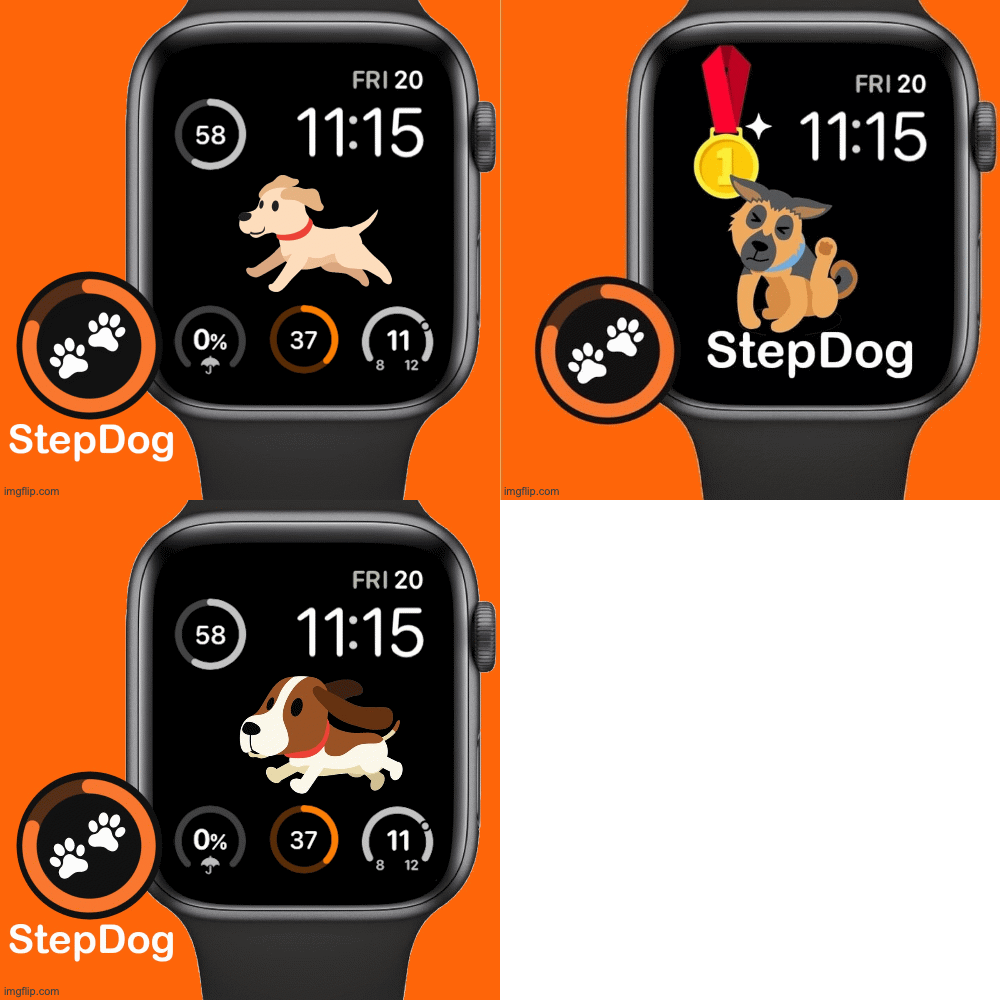
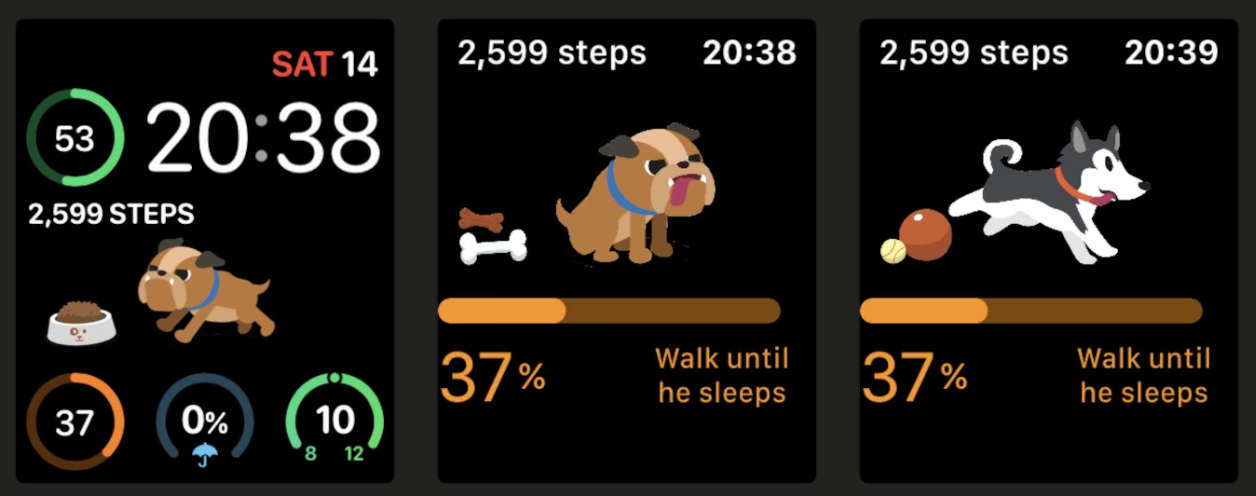
StepDog is a fun, gamified step tracker that connects to Apple HealthKit to monitor your daily steps and rewards you with a virtual dog that reacts to your activity.
What its complication shows:
The StepDog complication displays your step count and goal progress on the watch face — often with your animated dog character visible — so you stay motivated to move throughout the day.
5. StressFace
What the app does:
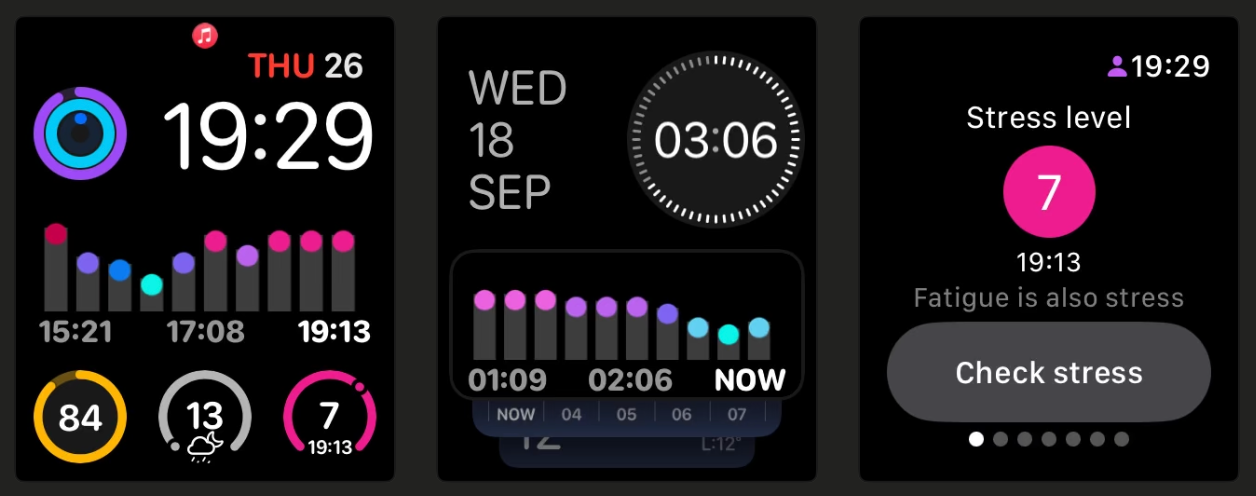
StressFace uses your Apple Watch’s heart rate and heart rate variability (HRV) data to estimate your stress level in real time — tracking how tense or relaxed you feel during your day.
What its complication shows:
Its complication gives you a live stress score (often a simple 1–10 readout) directly on your watch face, letting you check your mental state instantly and take action if stress spikes.
 Yingchi Wang
6. Streaks
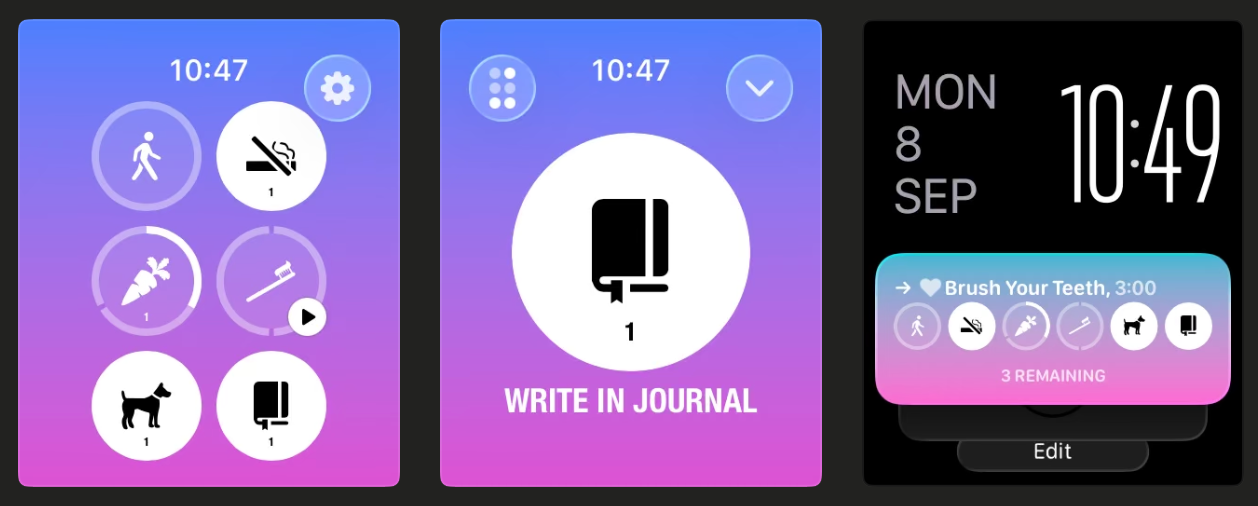
What the app does:
Streaks is a habit-tracking app that helps you build positive routines — whether drinking more water, walking, reading, or any daily goal.
What its complication shows:
Its complication tracks your progress toward your habits (e.g., streak count or percent complete), reminding you visually to stick with your goals throughout the day.
 Crunchy Bagel
7. FITIV Pulse
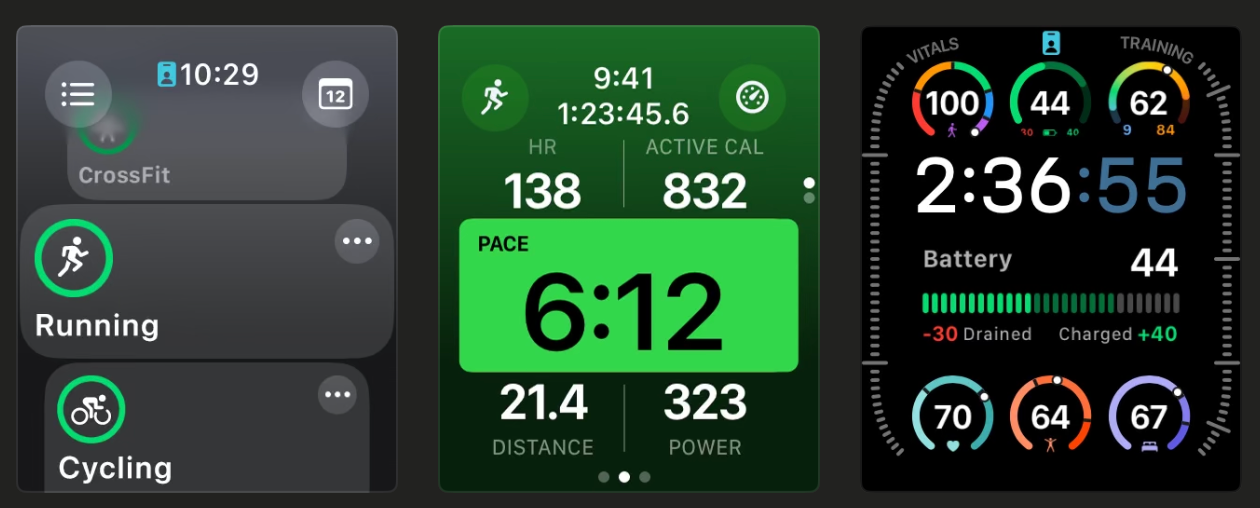
What the app does:
FITIV Pulse builds on Apple Watch’s health sensors by providing detailed heart-rate and workout insights with customizable zones and trends.
What its complication shows:
The FITIV Pulse complication can show current heart rate or heart-rate trends on your watch face, letting you monitor exertion or recovery without opening the app.
 MotiFIT Fitness Inc.
8. PCalc
What the app does:
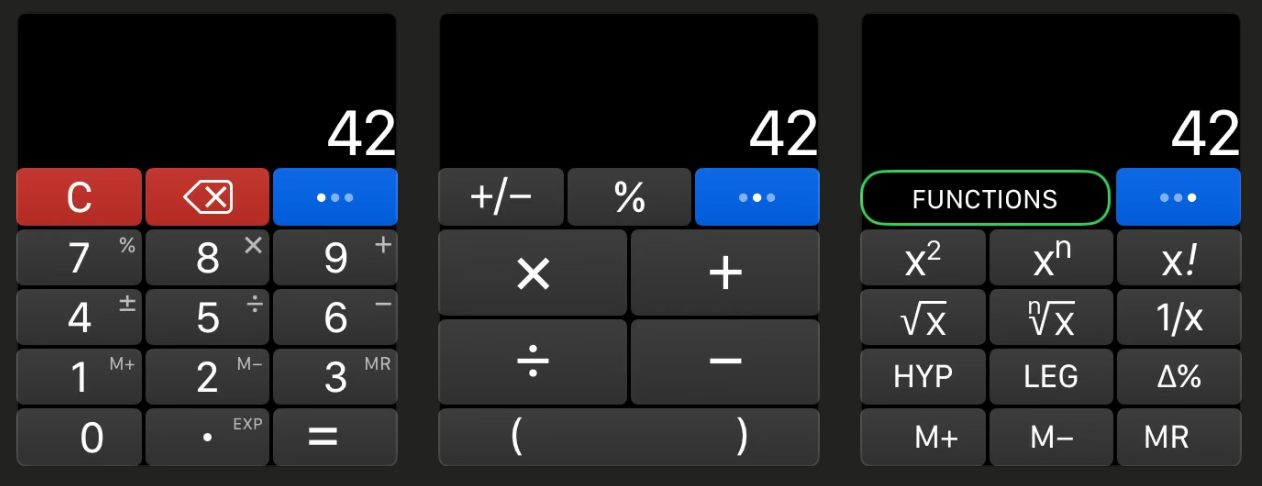
PCalc is a powerful scientific calculator app that’s great for students, engineers, or anyone who often does calculations on the go.
What its complication shows:
After performing a calculation, you can leave the result visible as a complication on your watch face — so you always have a number handy for reference.
 TLA Systems Ltd.
9. Waterllama
What the app does:
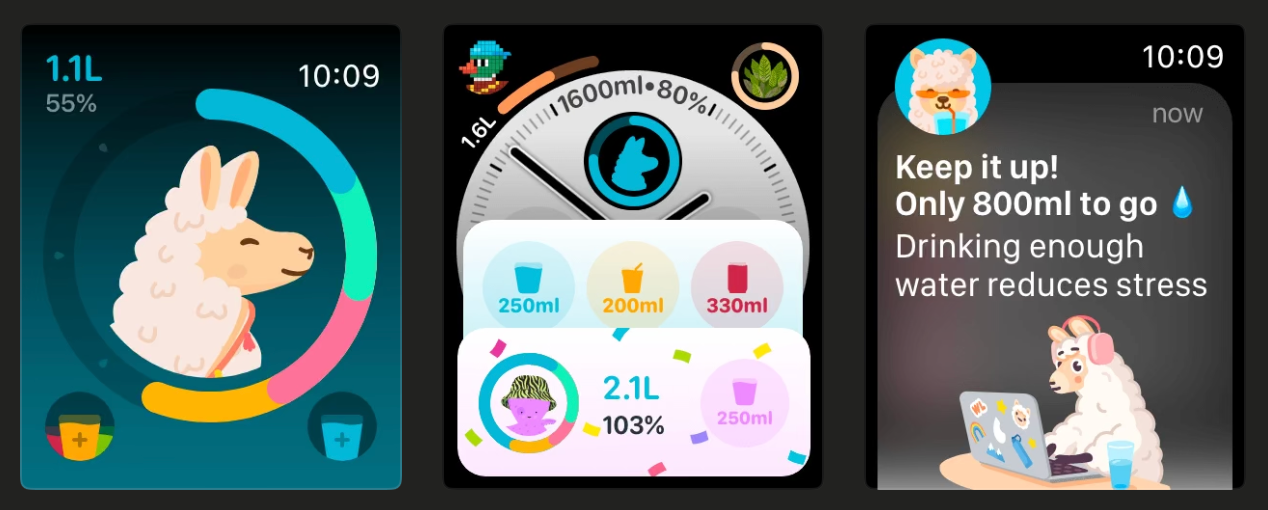
Hydration apps like Waterllama help you track daily water intake and meet hydration goals with reminders and visual progress tracking.
What their complications show:
Their complications display your hydration progress toward your daily goal on the watch face, nudging you to drink more water through the day.
 Llama Luna Apps
10. Bear
What the app does:
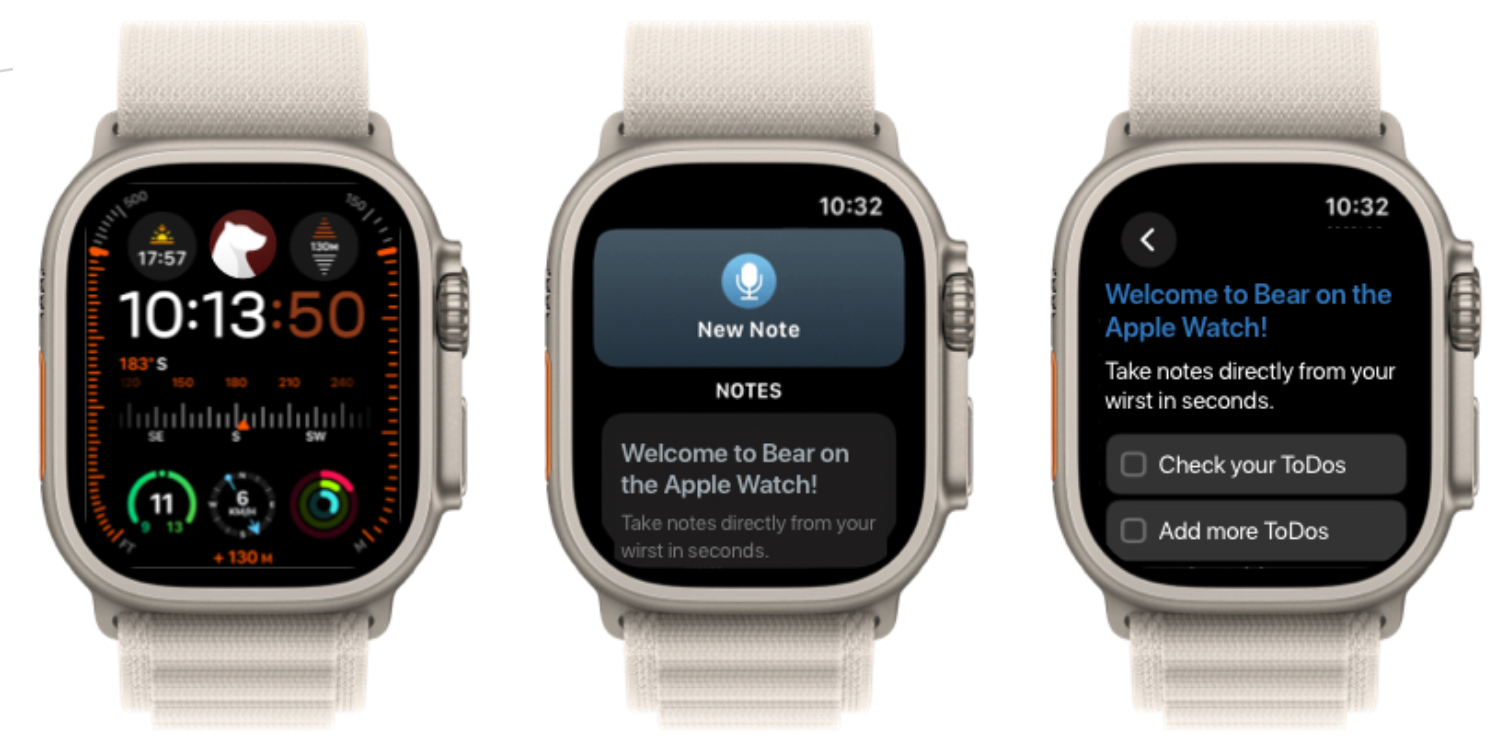
Bear is a flexible and beautiful note-taking app that syncs across your Apple devices, supporting text, markups, and quick captures.
What its complication shows:
The Bear complication gives you quick access to recent notes or dictation features from your watch face — perfect for capturing thoughts without picking up your phone.
 Shiny Frog Ltd.
🧠 Pro Tips for Complications
- Use faces like Modular, Infograph Modular, or Modular Duo for the most complication slots and richest data.
- Pick what matters most: fitness metrics for workouts, calendar or tasks for workdays, and stress or hydration for wellness.
- Remember refresh limits: third-party complications don’t update in real time as often as built-ins — they refresh periodically in the background.